
Resources
Set up an SDS binder for your Manteca building
Print a ready-made cover, product index and tab layout for your safety data sheets, so whoever is working tonight can put a hand on the page they need.
Request a quoteCall (209) 314-1460
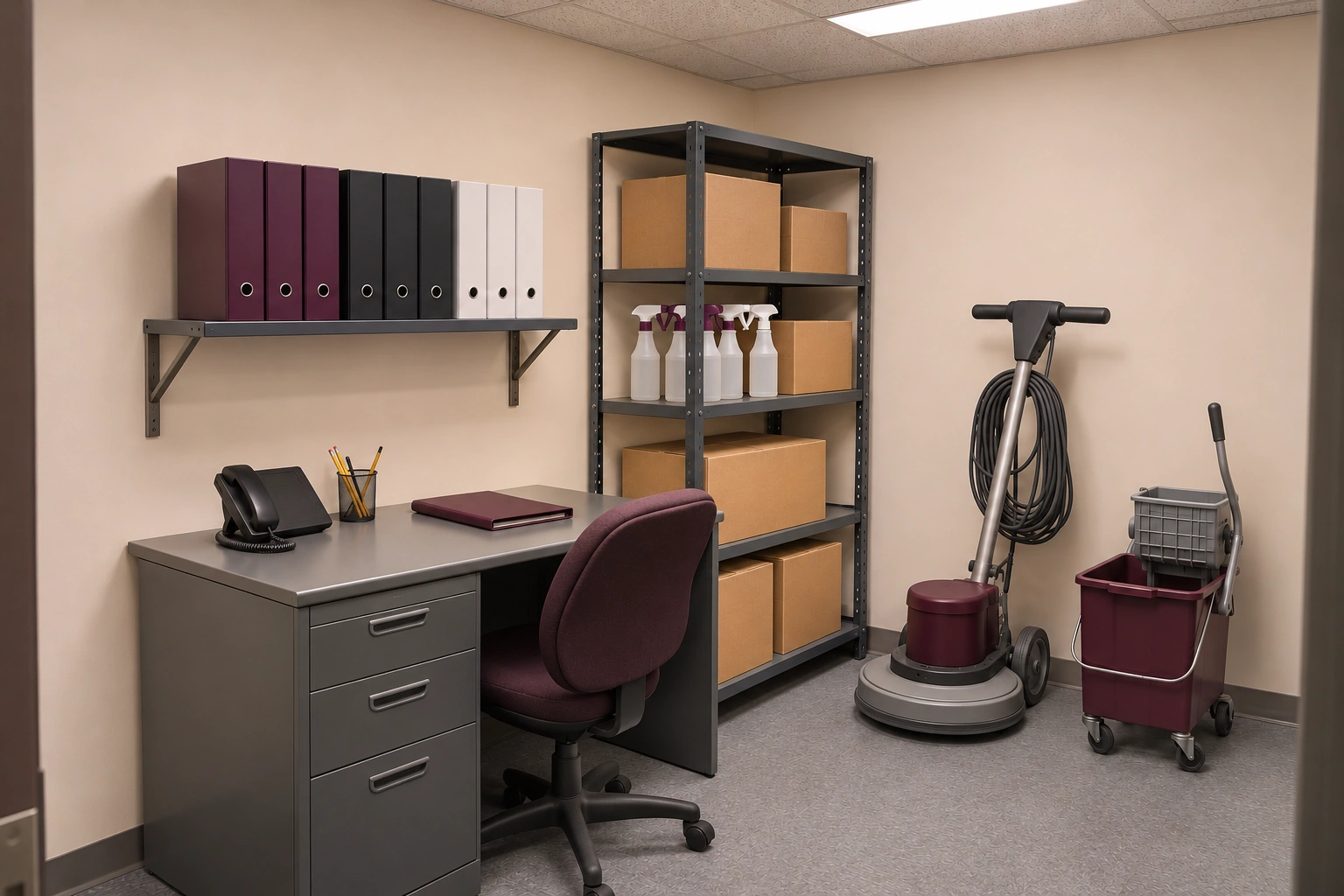
Printable template
What goes in the binder
A cleaning or upkeep product stored in your building normally comes with a safety data sheet from its manufacturer, whether it is the floor finish under the stairwell, a spray bottle on the janitor cart or the descaler beneath a restroom sink. An SDS binder files all of those sheets in one book, in one order.
Spread across a desk drawer, an inbox and the back of a supply shelf, the same sheets are close to useless when someone needs one quickly. A labeled cover, an index up front and tabs that follow the way your team thinks about the building solve that. The kit on this page gives you all three as a plain download: print it, punch it and start filling it in.
Your company’s hazard-communication program, and not any printable, is what decides which sheets your workplace keeps and how. Walk the setup past the program’s owner, be that a safety lead, a plant manager or a colleague in HR, and let the kit serve the plan they lay out.
The cover sheet comes first
Whoever grabs the binder reads the cover first, so make it answer the basics at a glance: the building or suite it covers, its home on the shelf, the person in charge of it and the date of its most recent review. The printable has a blank line for each of those, labeled Facility, Binder location, Kept by, Backup contact, Tab system and Last reviewed.
Write a role next to each name, such as “facilities coordinator”, so the cover still makes sense after someone changes jobs. The backup contact covers vacations and night shifts. If the property keeps a second binder, perhaps in a warehouse office across the lot, note the other location on both covers so a reader knows another copy exists. Slip the completed page into the binder’s clear sleeve, if it has one, to keep it legible.
Build the product index from a walk, not a purchase list
The index is the inventory of every product the binder covers, one row per product. Take the blank pages on a walk through the building and write down what is really on the shelves, carts and closets. Order records tell you what was bought; the walk tells you what is still in the building.
- Product name: written exactly as the label prints it, so the bottle and the row match
- Maker: the company on the label, which is also where you get a current sheet
- Where it is used: the closet, cart, room or area where the product sits or gets used
- SDS date: when the filed copy was last revised, as printed on it
- Tab: the divider you filed it behind
After the walk, download a sheet for each row from the maker’s website or ask your supplier for it, and file it behind the tab you wrote down. Any row without a sheet behind it becomes your short to-do list.
Leave a few blank index pages at the back of the binder. Product lists change when a supplier swaps a brand or a new tenant moves in, and an index with room to grow tends to stay current, while one that has to be retyped usually gets put off.
Pick a tab system and stay with it
Tabs decide how fast someone gets to the right page. Three layouts work well, so pick the one that matches the way your crew already describes the work:
- A to Z: sheets filed by product name, which works best when the building only stocks a handful of products
- Room by room: restrooms, breakroom, custodial closet, shop and dock, for teams that picture the place before the bottle
- By job: floor products together, then glass and surface sprays, restroom cleaners and degreasers, for shelves crowded with similar containers
Write the system you chose on the cover so a new hire files sheets the same way. A binder rarely falls apart all at once. It drifts out of order one misfiled page at a time, which is why the kit’s upkeep list asks you to confirm the tabs still match the index.
A fixed home and three moments to update
Give the binder one spot that is easy to reach and near the closets and carts where the products actually live, such as a shelf beside the custodial closet or the front of the maintenance office, and keep it there. Once it starts traveling to someone’s desk, the next person who needs it can’t find it.
- Something new comes in: write it into the index and slip its sheet behind the right divider before the container is opened
- Something is discontinued or used up for good: remove its sheet, strike through its row and store the old page wherever your program keeps retired sheets
- The review date comes round: compare the shelves against the index line by line, swap in newer sheet dates and date Last reviewed on the cover
Let your program owner set the interval for that periodic check. Pairing it with a building walk you already do keeps it from turning into one more separate chore.
How Manteca Cleaning fits around your binder
The binder stays with your team and under your program. Our part is the cleaning itself: nightly janitorial service for restrooms, desks, breakrooms and floors, disinfection and sanitizing that can be added to any plan, and janitorial supplies such as paper, can liners, soap and sanitizer, with the dispensers that hold them. Supervisors do quality inspections against the visit list you approve.
If you are rethinking who cleans the building, a free walkthrough is the easy first step. We look at every room, talk through how often each one needs attention and send a written quote, so you know what the crew covers before the first visit. Our cleaning scope of work guide helps you prepare.
Common questions
What actually goes inside an SDS binder?
One safety data sheet per product your building stores for cleaning or upkeep, filed in order behind a labeled cover and an index. Each sheet comes from the product’s manufacturer.
Should the tabs run A to Z or by room?
Use whichever layout your staff already think in. A to Z suits a short list, room by room suits people who know the area first, and grouping by what a product does suits shelves full of similar bottles. Write your choice on the cover.
How often should we revisit the binder?
Whenever your product list changes, plus a regular review on whatever schedule your hazard-communication program owner sets. Date the Last reviewed line on the cover whenever you finish one.
Is there a charge for the binder printables?
No. It is a free, plain download you can print straight away, with the cover lines, blank index pages and the upkeep checklist. Add your own tab dividers and it is ready for the shelf.
Resources